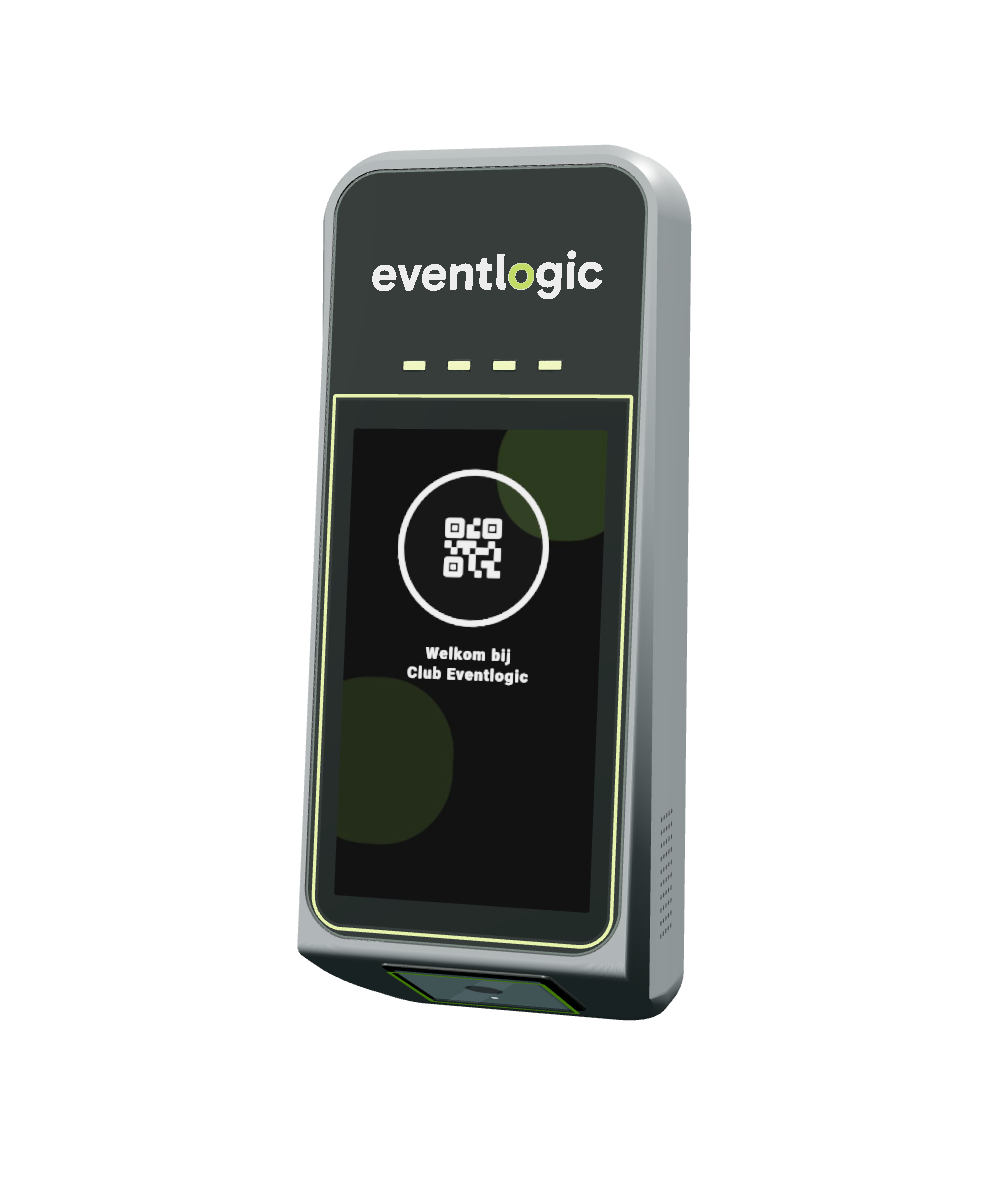
Players scan their QR code or membership card and enter. SmartClub Entry checks their booking or membership. You decide where, when and how often they have access.
A player has booked padel court 1 for 18:00. In this example, access is allowed from 17:30.
01
17:20 · Scan QR code
The player holds the booking QR code under the reader. SmartClub Entry checks the code and compares the scan time with the permitted access window.
02
17:20 · Too early
The screen and status lights turn red. The booking starts at 18:00, but access is only allowed from 17:30. The player does not get access yet.
03
17:50 · Same code, new attempt
Time jumps forward to 17:50. The player presents the same QR code again. SmartClub Entry checks it again; this time the arrival is inside the permitted access window.
04
17:50 · Access granted
The screen and lights turn green. SmartClub Entry confirms valid access and welcomes the player. The QR code is unchanged; the time makes the difference.
Bookings & members
A booking or a membership. The right access.
A one-off booking and an ongoing membership need different permissions. The same access system handles both.
With a booking
Once a booking is confirmed, the visitor receives a QR code automatically. It is valid around the reserved time and, within the configured limit, can be used by the players in the group.
Credential
QR code with the booking
When
Around the booked time
Where
The zone of the booked court
Example · a booking
Jan books court 3 from 10:00–11:00. His QR code works from 09:50 and expires at 11:15. His friend can also use the same QR code. After that, the code no longer works.
With a membership
A member scans a regular membership card or uses a supported PIN. Access follows the subscription automatically, including its configured days, times and spaces.
Credential
Membership card or supported PIN
When
Configured days and times
Where
Spaces included in the membership
Example · a membership
Lisa has a youth membership. She can normally enter during the day, but after 20:00 the door closes automatically. You do not have to keep track of that yourself.
Counting & limits
Four ways to count visits and occupancy.
Give free access within a time window and space, limit how often a code works, sell a visit pass or keep crowding under control. You choose how strict each door is; SmartClub Entry counts with every scan.
Free access
No counter, but still in control. Anyone with a valid booking or the right membership can enter as often as needed, but only within the time window and in the spaces that match their rights.
Time window: 07:00–23:00
Space: members only
Unlimited entry · as long as time and space match
Use it for
Main entrance members daily from 07:00 to 23:00
Changing rooms members only, not guests
Junior members in during the day, the door stays closed after 20:00
Number of entries
Decide how often one QR code can open the door. A shared code no longer circulates endlessly.
1234
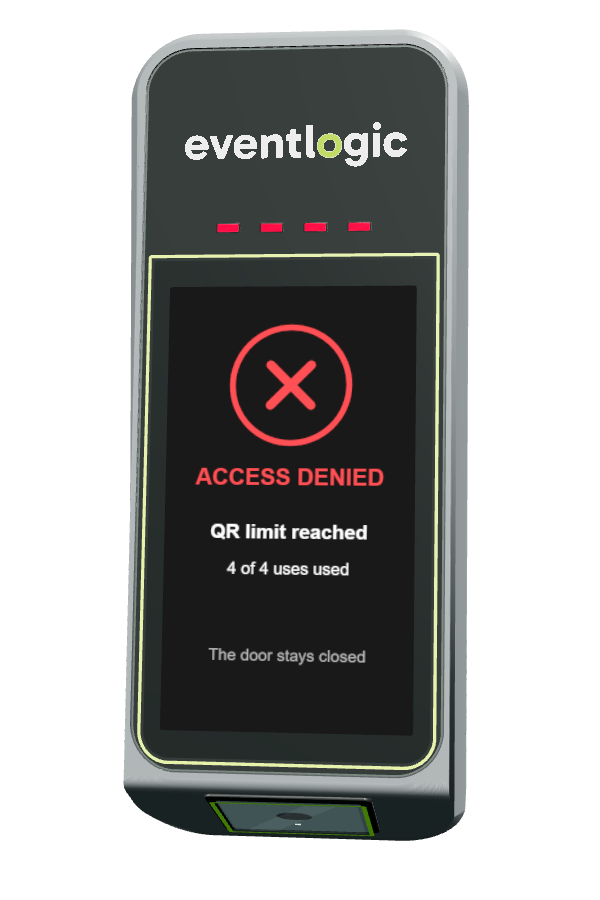
4 of 4 entries used · the 5th scan stays closed
Use it for
Padel court 4 players on one booking
Trial class entry once
Clinic once per participant
Visit pass
Give members a fixed number of visits per month. Every scan counts; after the last visit the door stays closed until the new month starts.
12345678
6 of 8 visits used · 2 left this month
Use it for
Gym 8 visits per month
Group classes 4 classes per month
Wellness 2 visits per month
Maximum occupancy
Decide how many people can be in a space at once. Full? The next person can enter as soon as someone leaves.
5 of 6 inside · 1 place left
Use it for
Meeting room up to 6 people
Outdoor courts up to 16 at once
Gym room to train at peak times
Maximum occupancy requires a reader at both the entrance and the exit.
Reduce unauthorised play
Four players booked? Then four get in.
A booking for four opens the door exactly four times. If someone forwards the QR code, no extra players or other visitors get in.
At the door, for example
Padel court 3 · 19:00–20:00
One booking for 4 players · one shared QR code
18:51Sanne scans the QR codeWelcome · 1 of 4
18:52Tom scans the same codeWelcome · 2 of 4
18:55Ahmed comes inWelcome · 3 of 4
18:57Lisa, the fourth playerWelcome · 4 of 4
19:12A friend with the forwarded codeNo access · limit reached
The count belongs to the booking. After the time window, the code stops working altogether.
Limit QR code usage
Match the usage limit to the booking and permitted number of participants. A forwarded code then cannot be used indefinitely to admit extra players.
Control entry and exit
Record arrivals and departures at the access points. Combine this with time windows and zone permissions to restrict access outside the agreed booking.
Give immediate feedback
Green means access is granted and the door is released. An invalid scan keeps the door closed and gives the visitor a clear message, for example when a QR code is expired, a space is full or a limit has been reached.
Keep an overview
Every scan can be recorded in the dashboard. This shows who entered and when, and gives insight into registered visits and occupancy.
A scan checks a credential. Effectiveness also depends on the physical entrance and use of entry and exit readers; following someone through an open door is not automatically prevented.
Local & offline
Let your players in, even when the internet is down.
Your club does not have to stop when the internet is down. SmartClub Entry continues to grant access based on the bookings and rights already stored at your club.
Checks the code or card using locally available data.
Door or gate
Is released when access is permitted.
Trusted access
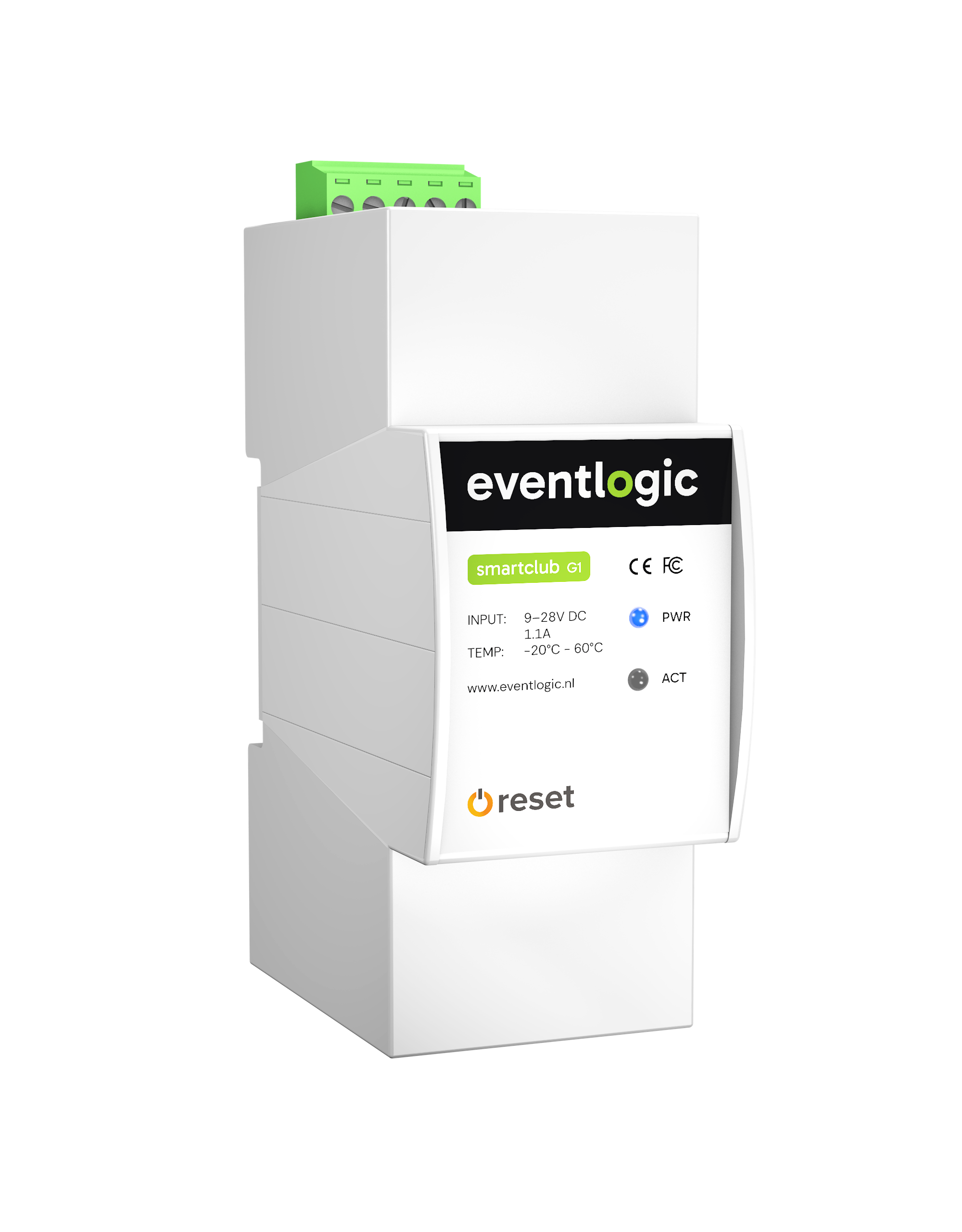
SmartClub G1, SmartClub Entry and the door work together locally. Players scan their code or card as usual; the stored access rules remain in effect. Power and a working local network are still required.
Automatically updated again
As soon as the internet is back, scans and local changes are automatically synced with your dashboard. New bookings, cancellations and changed access rights will come through again. Until then, the latest data received remains valid.
Your limits still apply
Visits and occupancy are tracked locally. A registered departure frees up a place again. This helps you keep control of crowding, as long as arrivals and departures are registered correctly.
At your club
From key handover to access on your own terms.
Create access for bookings, give members entry to the gym or manage the gate to the courts? You decide where you want to regulate access. Together we look at what you need.
Will it work with our existing doors?
Together we check which doors or gates can be opened electronically and what needs adapting. You need a SmartClub G1, suitable readers, power and a network. Want to know how many people are inside too? We configure readers for both arrivals and departures.
Can Entry work with Paxton, Axema VAKA or Loxone?
Yes. Paxton, Axema VAKA and Loxone are a selection of Eventlogic's integrations. Your existing access installation can stay in use and follows the same bookings and memberships as SmartClub Entry. Through Loxone, a booking can also switch lighting and other building functions. We agree on the right combination for each location.
What do we need to arrange, and what will it cost?
You decide who can enter each space and at what times. We plan the installation, the connection to your club software and the service around that. You receive a proposal with the purchase, installation and recurring costs for the entrances and features your club needs.
Does it work with our booking or membership software?
Check whether your software is listed. Together we check which bookings and memberships you can use to grant access. Available functions vary by integration.